


Free POS System for Retail Storeswith Windows POS and Android POS
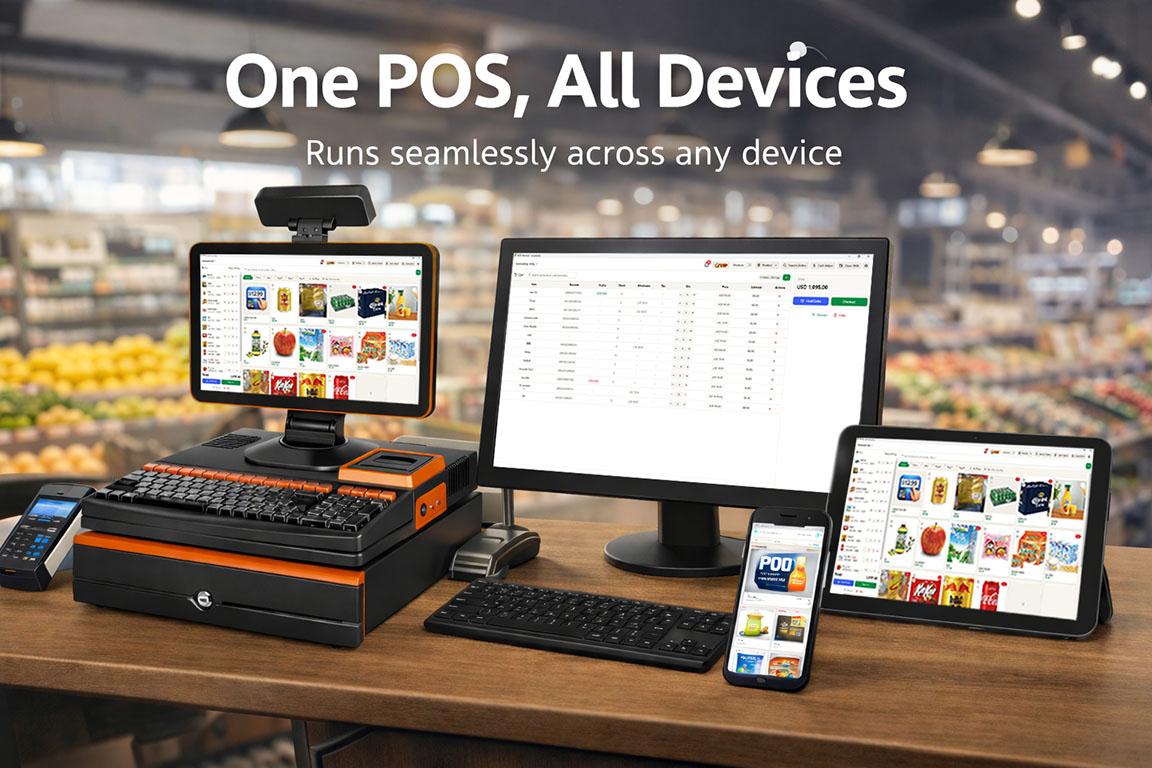
Good Cashier is a free POS system built for real stores. Sell faster with inventory management, barcode printing, stocktake, VIP members, and multi-store tools without enterprise complexity.
Everything You Need
Explore the tools your store will actually use every day. Open Learn on each module to see the real workflow.

Products
Add products, print barcodes, manage package units, bundles, and product-level stock control.
Sales
Review sales, print receipts and invoices, track discounts, and process returns or refunds.

Alerts
Catch negative stock, low stock, expiring items, and behavior alerts before they become problems.
Inventory
Handle stock in, stock out, damage, expiry tracking, and inventory movements across your store.
Stocktake
Run stock counts, submit variances, and complete boss-approved stocktake workflows.
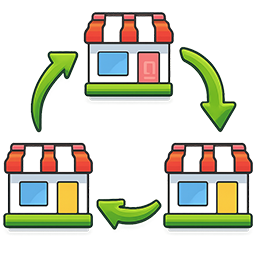
Stock Transfers
Move stock between locations, receive transfers in POS, and keep chain inventory aligned.

Locations
Set up stores or warehouses, assign receipt headers and footers, and manage location QR payments.

Shifts
Review shift details, close sessions properly, and force close if a device is lost or broken.
Staff
Add staff, assign locations, control permissions, and decide exactly what each cashier can do.

VIP
Create members, top up wallets, redeem points, and run repeat-customer loyalty programs.

Settings
Control store-wide switches such as VIP, wholesale, tax, and core store settings.
Why Good Cashier
Built for stores that need a simple retail POS system with real inventory depth, not just a basic checkout screen.
Free POS system to get started fast
Start with a real free POS system for small shops, with no product limit and no order limit in the free plan.
Windows POS system and Android POS workflow
Use the dashboard on Windows and run POS workflows on Android-friendly devices with barcode scanning, receipts, and daily selling tools.
Inventory, barcode, and stocktake in one place
Manage product setup, barcode printing, stock in and out, expiry tracking, and full stocktake tasks without extra systems.
Built for chain stores and growing retailers
Move stock between locations, manage different receipt settings per location, and keep multi-store operations under one system.
Simple, Transparent Pricing
Start free, upgrade when you need more
Essentials for getting started
- ✓POS checkout on Windows, Android and web
- ✓Unlimited Products
- ✓Unlimited Orders
- ✓Barcode generation and label printing
- ✓Receipt printing
- ✓Basic inventory with low-stock alerts
- ✓Expiry date tracking
- ✓Bundle products and auto package split
- ✓Customer management
- ✓Refunds and shift management
- ✓1 owner account and 1 store location
Advanced tools for growing stores and chains
FAQ
Straight answers about pricing, devices, inventory, barcode workflows, and VIP features.
Is Good Cashier really a free POS system?
Yes. Good Cashier has a real free plan for single-store use. You can start selling, manage products, and use core inventory tools without paying first.
Does Good Cashier support Windows POS system workflows?
Yes. Good Cashier supports Windows-based dashboard and printer workflows, including receipt printing, barcode printing, and store management tasks.
Can I use Good Cashier as an Android POS system?
Yes. Good Cashier is designed to work well for Android POS selling flows, including product search, barcode scanning, checkout, wallet, and VIP actions.
Does it support barcode printing and barcode scanning?
Yes. You can generate product barcodes, print barcode labels, and scan items in POS for faster checkout and stock handling.
Can I manage inventory across multiple stores?
Yes. Paid locations unlock multi-store tools such as stock transfers, chain store reporting, and location-based inventory control.
Does it support VIP members, wallet balance, and points?
Yes. Good Cashier includes VIP members, prepaid wallet top ups, points earning, and points redemption workflows for repeat customers.